
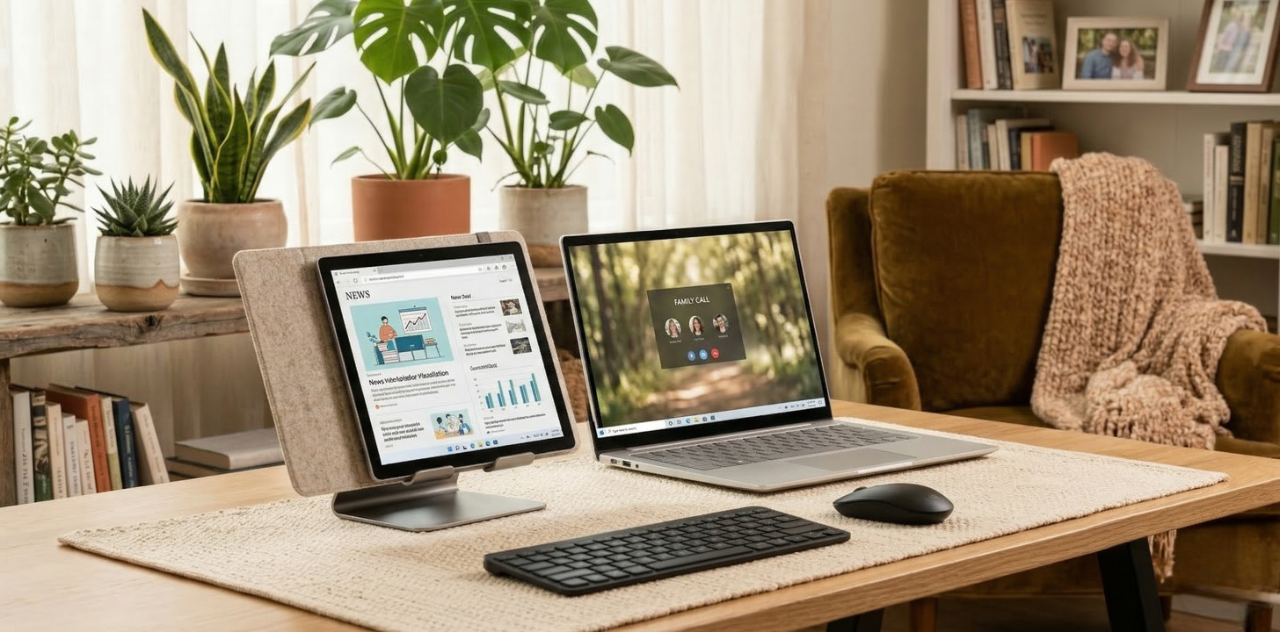
Working or studying from home can feel overwhelming sometimes, especially when space is limited or distractions are everywhere. A well-organized workspace doesn’t just make tasks easier; it helps you feel calmer, more focused, and in control of your day.
Even small changes can make a big difference, and you don’t need a lot of expensive equipment to get started.
- Start With Your Device
Your laptop, tablet, or computer is the heart of your home workspace. Make sure it’s in a comfortable position where you can work for extended periods without strain.
- Place your laptop or monitor at eye level to avoid neck tension.
- Keep your tablet handy for quick notes, research, or reading.
- Invest in a good keyboard or mouse if you spend a lot of time typing, it can make work much easier.
If you’re in need of a reliable device, you can often find laptops, tablets, and computers at great prices on OLX. Upgrading your setup doesn’t have to be stressful or expensive.
- Choose a Quiet, Comfortable Spot
Even a small corner can become a productive workspace if you set it up right. Look for:
- A spot with natural light if possible, or good task lighting to reduce eye strain.
- Minimal distractions, so you can focus when needed.
- A comfortable chair and a table or desk that fits your needs.
- Organize Your Essentials
Keep only what you need within arm’s reach. This could include:
- Notebooks, pens, and sticky notes
- Chargers for laptops, tablets, and phones
- Headphones for calls or concentration
- A small plant or personal item to make the space feel inviting
- Set Boundaries and Routines
A home workspace works best when it feels separate from the rest of your life.
- Establish clear start and end times for work or study.
- Use your workspace only for work when possible, so your mind associates it with focus.
- Take short breaks to stretch, hydrate, and rest your eyes.
A well-set-up home workspace is about more than furniture or devices; it’s about creating a space that supports your focus, comfort, and well-being. With the right tools, organization, and small adjustments, your home can become a place where work feels manageable and even enjoyable